Review priority events
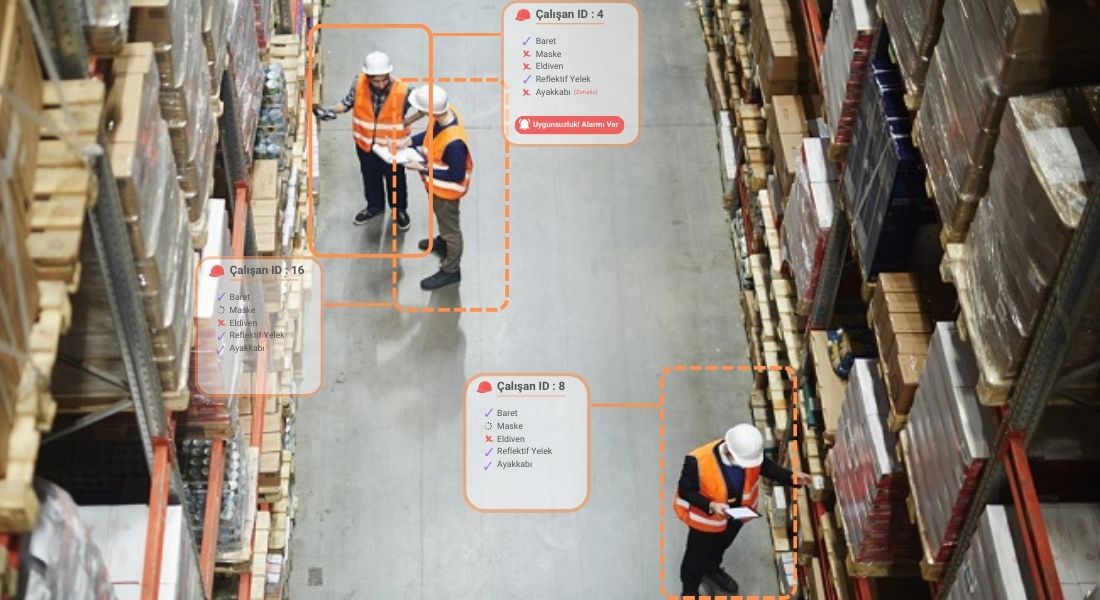
Define the situations you want to monitor. Review the footage flagged by Eye and notify your team.
Digitize Your Company’s Workplace Safety Processes
Track risk assessments, site inspections and employee records in one place. Review camera footage and explore your factory digitally. Bring information together with AI support and work through the next steps with your team.
Our purpose
Workplace safety in a factory does not end with a single inspection. A situation caught on camera, a risk reported by an employee, missing training and maintenance that needs to be done all need to be tracked together. Safety Figure brings this work into one place, making it easier for OHS professionals to see what is happening on site, guide their teams and follow the results of the measures taken.
Keep risk assessments, employee training, machine records, PPE, permits to work and emergency plans connected. Open a record to see the person involved, the document and the work to be done together. Manage contractor and visitor processes from the same platform.
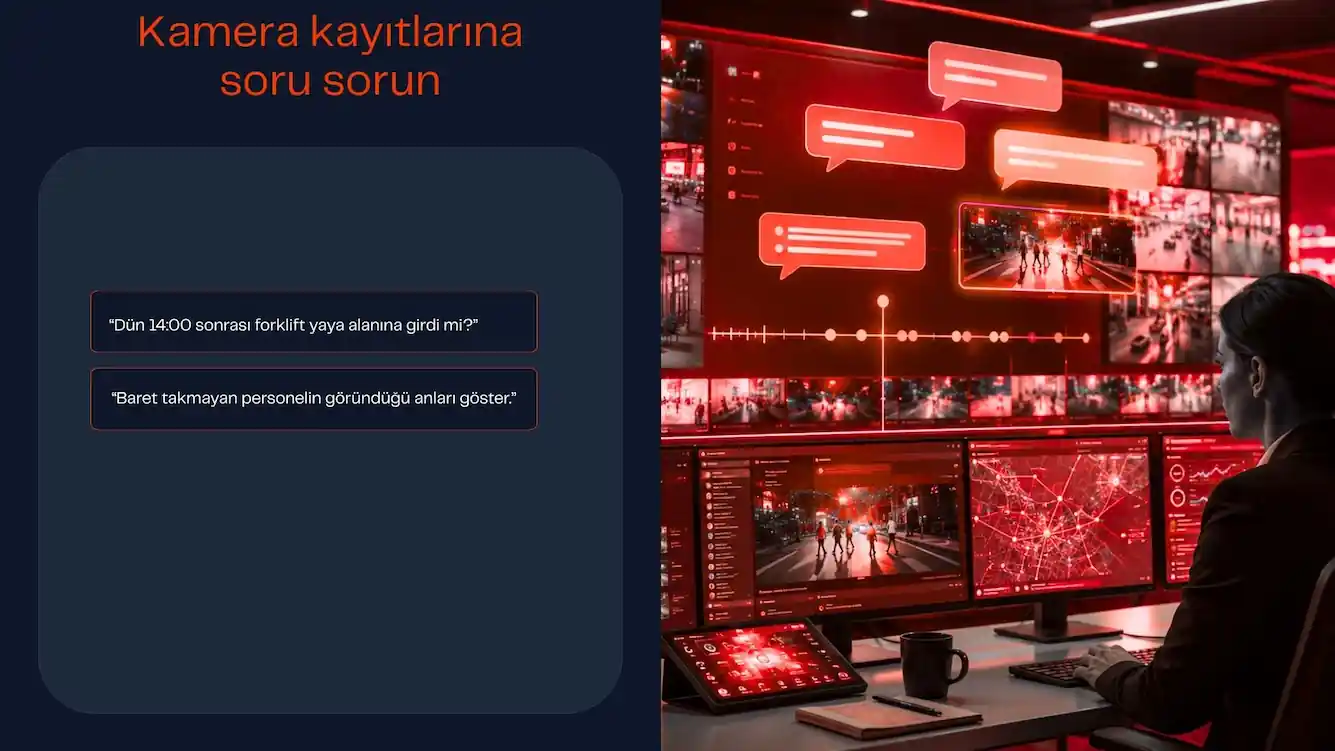
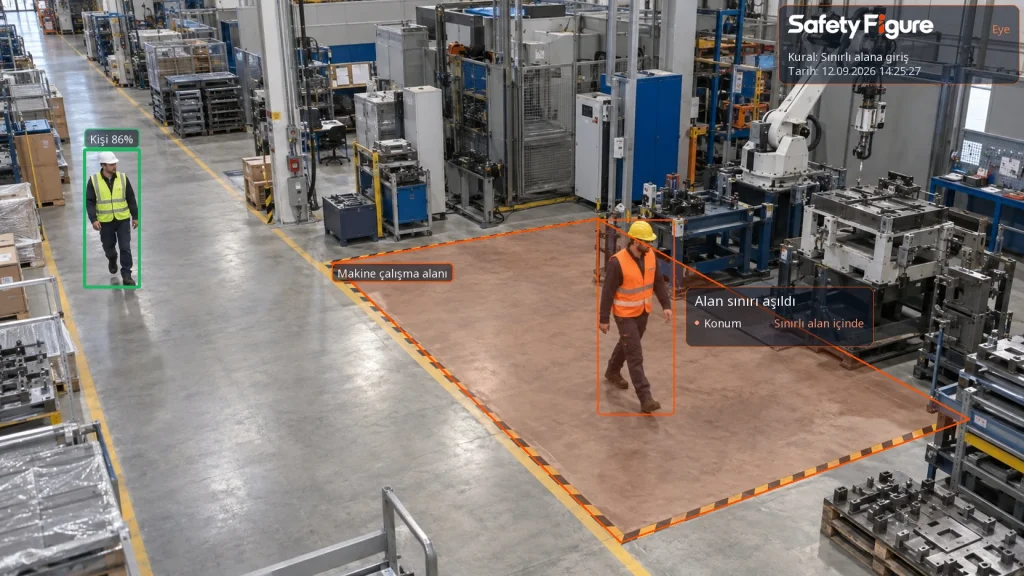
Safety Figure Eye monitors the situations you define through your cameras. Review footage of missing PPE or entry into restricted areas, and ask questions about past records in passive monitoring. Support your site team’s checks with continuous camera monitoring.
Explore production areas in a digital factory with Safety Figure 360. Show employees the hazards on their own site during training. During inspections, open machine records, previous findings and related records at their location. Review the same area as a team without having to meet on site every time.
Fill in a standard form or inspect your site by talking to AI. The AI asks questions and requests photos when needed. When you say you want to finish the inspection, your observations become a PDF report. Review the findings with your authorized team and track the measures taken.
Full support for AI-powered workplace safety
Let’s create tailored digital workplace safety solutions for your company.
Safety Figure Eye
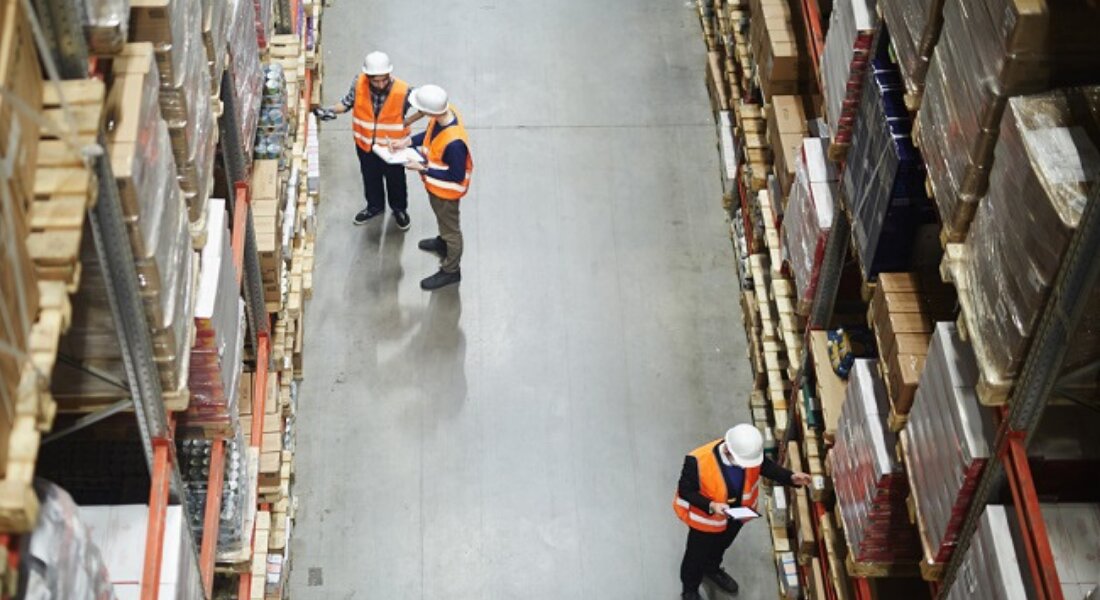
Define the situations you want to monitor. Review the footage flagged by Eye and notify your team.
Passive monitoring interprets sequences of footage without requiring you to define an alert rule in advance. It records movements and situations on site with their times. When you ask a question such as “Did anyone fall on site yesterday?”, it searches the relevant records and returns the moments it finds with descriptions and footage. You can assess the results by reviewing the images.
Review a situation of concern with its footage and time. After an authorized person has assessed it, notify the team, define the work to be done or add it to the risk assessment. Track who is responsible and whether the work is complete.
Safety Figure OHS management
Safety Figure is AI-supported OHS software that lets companies manage occupational health and safety processes in one workspace. It connects risk assessment and action tracking with site inspections, QR code risk reporting, accident root cause investigations, machine records, training and employee documents. Assess your site alongside its records with Eye camera observations, Safety Figure 360 site tours, permits to work, management of change and emergency plans. Authorized teams can track tasks, documents and progress in one place, while AI suggestions support professional judgment.
Track scattered hazard and control measure records with the people responsible.
Submit suggestions relating to records for professional review.
Record site observations, checklists and findings.
Track inspection and maintenance history in the equipment record.
Manage reporting, investigation and preventive measures together.
Track employee training, attendance and document expiry dates.
Manage permits to work, emergency teams and plan records.
Let’s check together which monitoring modes your cameras can support.
One package. Connected records. Teams working together.
Hardware-enabled workplace safety technology
01
Record site observations with active and passive camera monitoring. Review flagged situations with your authorized team and track the necessary measures.
Explore the Eye solution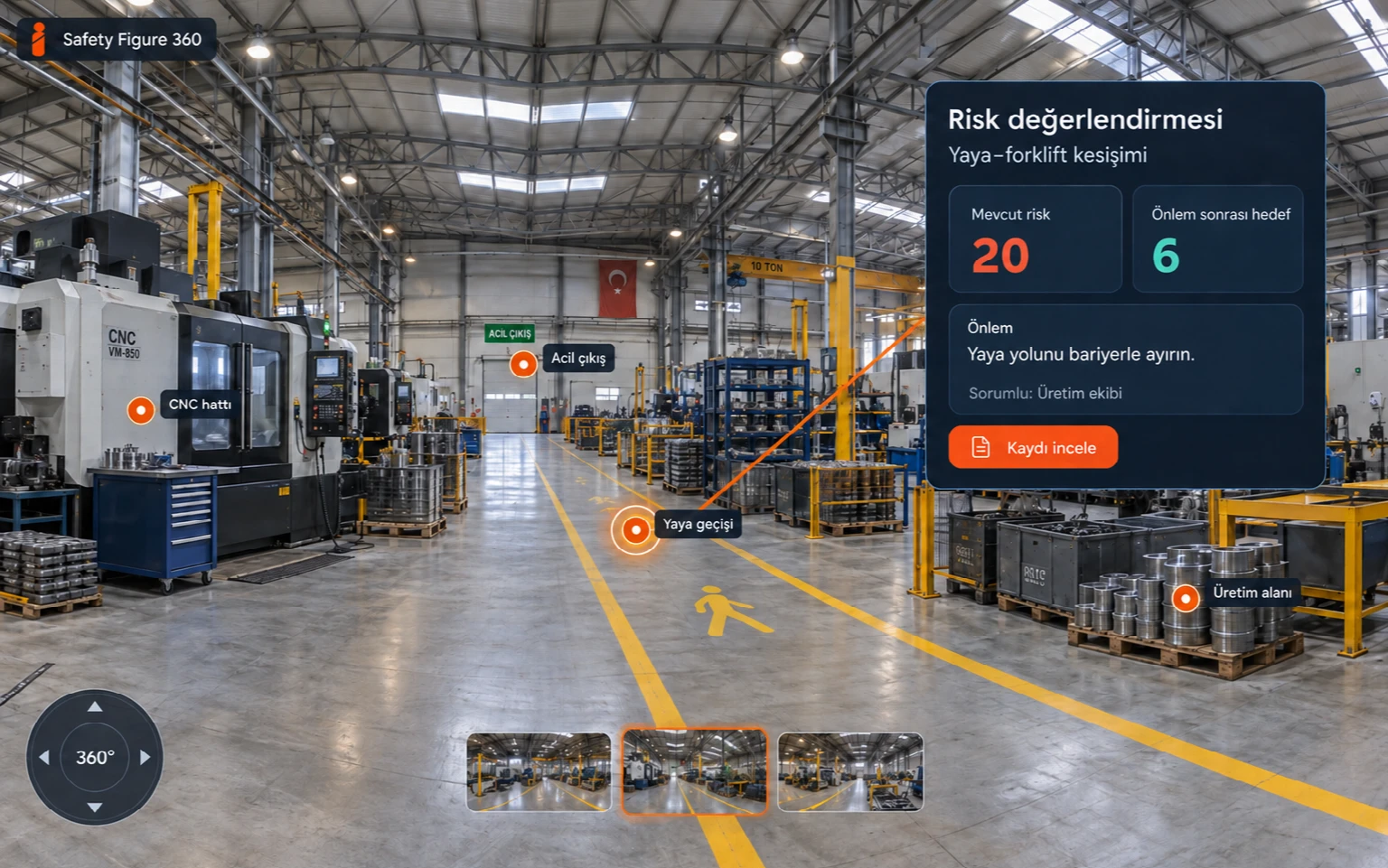
02
Move between panoramic images and link machine and site records to the relevant location. Let your team review the same area and information together.
Discover the 360 site tour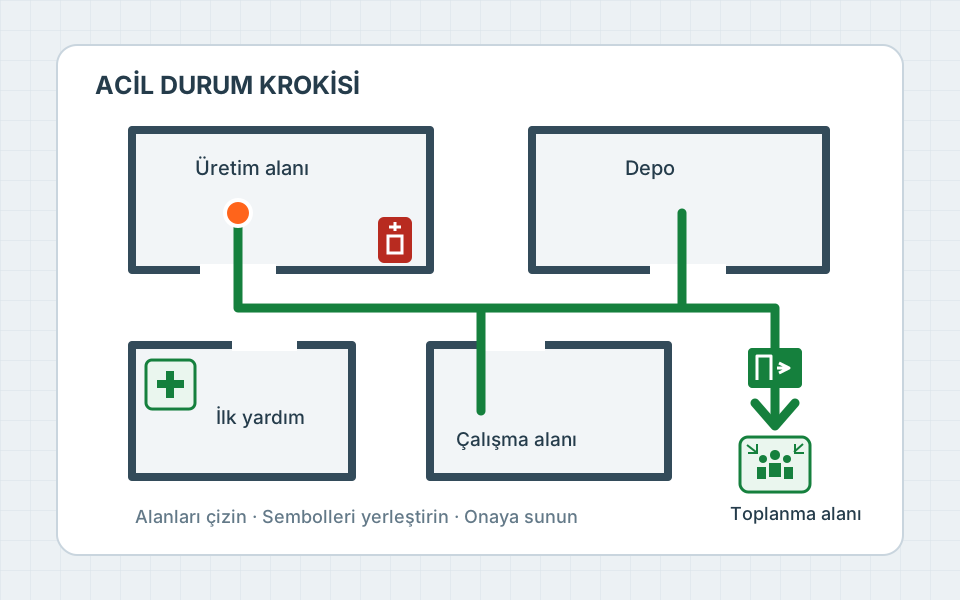
03
Create a floor plan by dragging and dropping escape routes, safety equipment and assembly areas into place. Submit the plan for approval by a second authorized person.
Explore the emergency management solutionExperience that began in Türkiye
Our work began under the AISG name in 2024 and continues as Safety Figure. We build on what we learn in the field to develop camera monitoring, the digital factory and tools for your daily OHS work.
Safety Figure at work
At Safety Figure, we offer you the opportunity to experience our solutions directly at your site.
Ask questions about past camera records in your own words. Open the relevant moments with their footage and time to see what happened.
Explore passive monitoring with Eye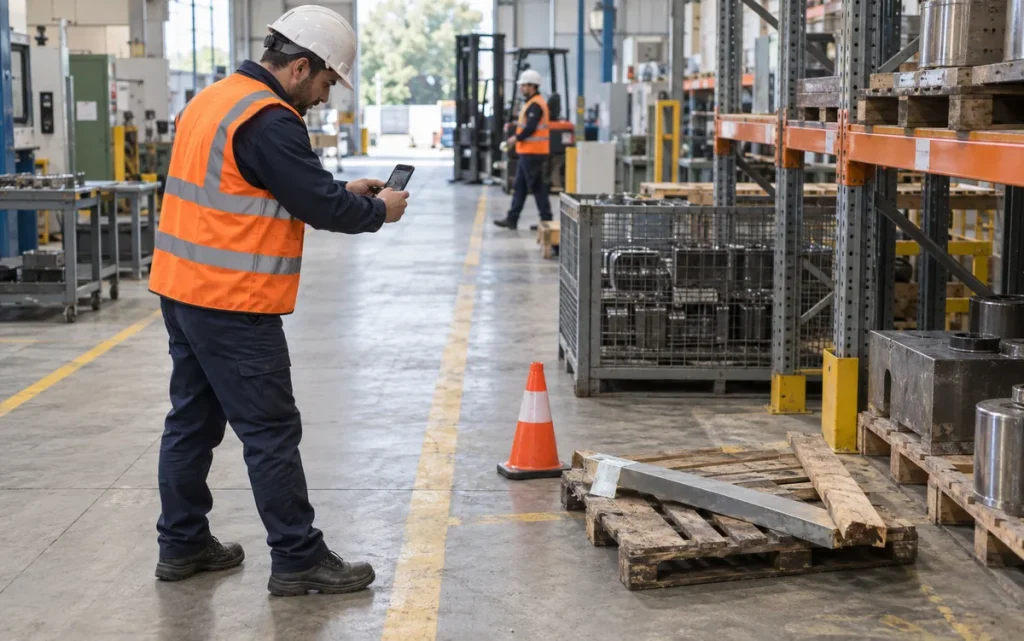
Take a photo and add the location and a short description. The team reviewing the report can define the work to be done and who is responsible, adding it to the risk assessment if needed.
Explore risk and near-miss reporting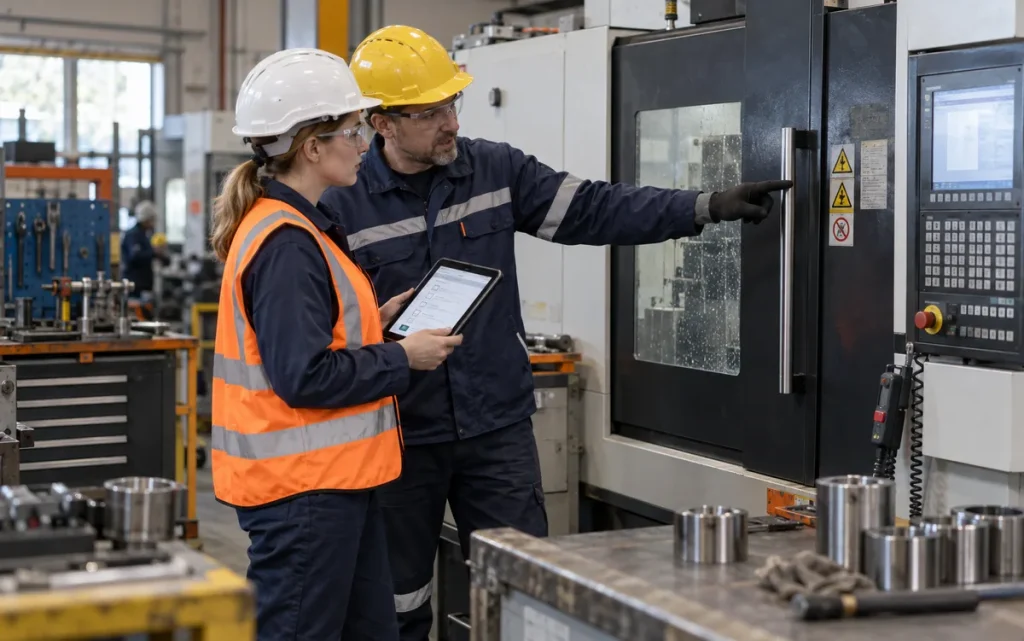
Answer the AI’s questions by speaking and add the photos it requests. When you say you want to finish the inspection, your observations become a PDF report. You can also use a standard inspection form if you prefer.
Explore site inspections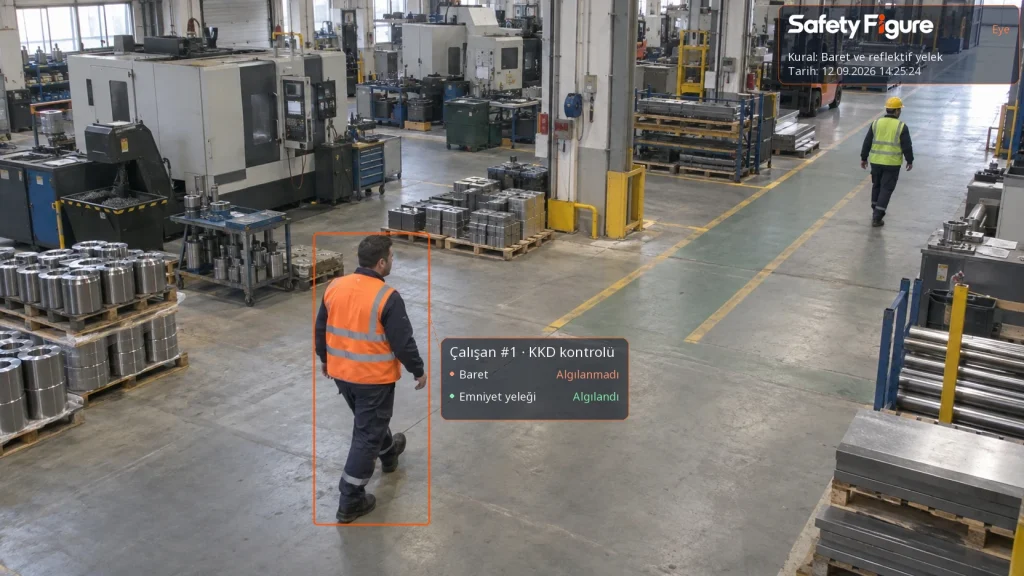
Safety Figure Eye analyzes camera footage against the workplace safety rules defined for your site. Review situations flagged during personal protective equipment (PPE) checks, such as hard hat and high-visibility vest use, with their footage and time. Your team can assess the finding, define the measure to take and who is responsible, and track the work in the same record until it is complete.
Explore active camera monitoring with Eye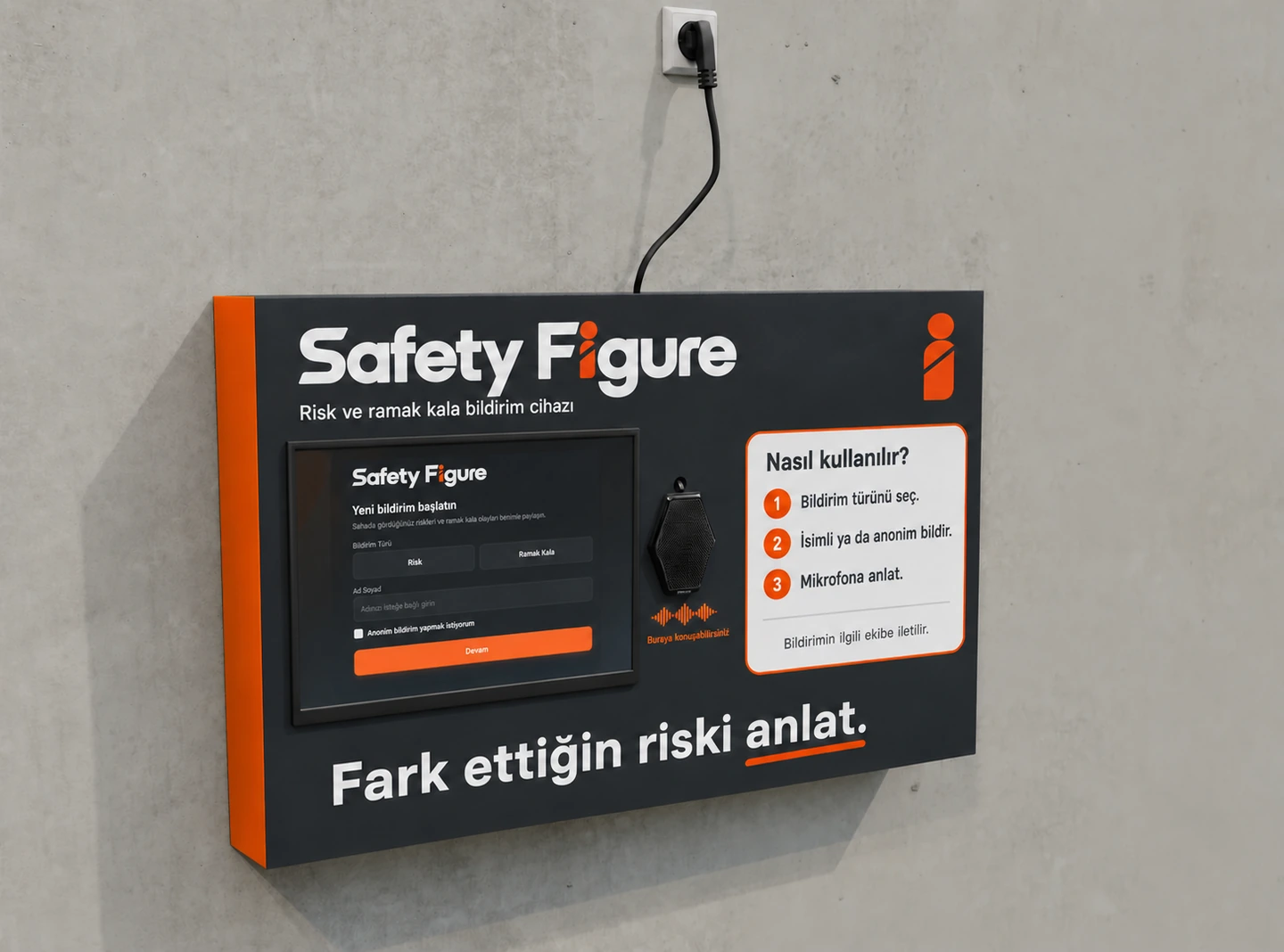
Let employees report what they see on site by speaking. The touchscreen device developed and manufactured by Safety Figure uses AI on the device itself to transcribe their account and email it to the team you choose. Create a reporting point without requiring a phone or a long form.
Explore the risk and near-miss reporting deviceLearn about Safety Figure and the use of AI in workplace safety.
Safety Figure is software that lets you track OHS work in your factory in one place. OHS professionals, managers and site teams can see who needs to do what and the current status of the work together. You can use Eye for camera records and Figure 360 to explore your factory digitally. During inspections, AI helps you work through the process by asking questions.
Our work began under the AISG name in 2024 and continues today under the Safety Figure brand. Along with the name change, we continue our workplace safety work under the same roof. We bring camera-based site monitoring, the digital factory experience and OHS management processes together in the Safety Figure platform. The approach you know as AISG continues under our new brand.
Risk assessments, site inspections, employee and training records, machine records, maintenance, PPE, permits to work and emergency management are all part of the same platform. Contractor, visitor and change management are included too. When reviewing an issue, you can track the related record, document and work to be done in the same workspace instead of searching through separate files. The features used in your company are configured to suit your needs.
Active monitoring continuously checks the camera feed for situations you define, such as hard hat use or entry into restricted areas, and lets you review the flagged footage. With passive monitoring, you can ask questions about past camera observations in natural language. By asking AI questions, you can examine the records in detail to see what happened in your factory yesterday. For example, you can review movements through a particular area during a time range you choose. You assess the results alongside the relevant records; queries are limited to the information recorded and its retention period.
You can use your cameras with Eye if their connection and image quality are suitable. We first check the viewing angle, lighting, network connection and required device together. Checking hard hat use and monitoring vehicle movements may require different camera positions, so we test the settings with footage from your site.
Figure 360 brings panoramic images of your factory together in a digital environment you can explore. You can move through the production site much as you would in Google Maps Street View. During training, you can show employees hazard points and good practices on their own site. During inspections, you can open machine, risk assessment or site inspection records from the relevant location. Your team can see the same area and access its information while discussing an issue.
Yes. During a voice-led site inspection, AI asks questions based on the work you are doing and your answers, requesting photos when needed. When you say you want to finish the inspection, a form and PDF report are prepared from your conversation. You can also use a standard inspection form if you prefer. AI suggestions do not replace professional judgment; review the findings and preventive measures with your authorized team.
AI can help flag defined situations in camera footage, conduct live inspections on site and around relevant machinery, summarize records, interpret past observations and develop predictions about future conditions. In Safety Figure, this support works with responses, photos and records from the site. OHS professionals can spend less time bringing information together and focus on what a finding means and which measure may help. Predictions are assessed in light of the scope and quality of the available data.
Not yet. Where people are involved in production processes, an OHS professional must also be part of the process. AI helps collect information, assess findings and identify measures; the professional’s site knowledge and judgment remain essential. We also continue our work on OHS processes for autonomous and unmanned factories. These areas also need professional assessment for safe system design and operation.
Yes. You can track your factory’s different workplaces, buildings and work areas in the same platform. You can view risks, inspections, training and work to be done across the locations you are authorized to access, opening the relevant workplace’s records when needed. The locations where teams can work are configured according to their roles and responsibilities. Managing multiple locations does not give you access to other companies’ data.
Yes. Employees can view their own training and the PPE they will use. Maintenance teams track machine-related work, while gate security tracks visitor and contractor entry. Everyone uses the screens made available for their work, and your company also decides who can use the AI features.
Let’s start with the work that is hardest to track, whether that is camera records, follow-up work after inspections, training or scattered documents. We can review the information you have and how your team works. Start with a small task and move into other areas as you see the benefits in daily use.
Free AI-Supported Workplace Safety Analysis at Your Site
Let’s examine a selected area at your workplace with AI support. We can share preliminary scores for the observed risks and initial suggestions for preventive measures with your team. Together, we can choose a suitable day for a free on-site assessment.